

Spend less time tidying
Automatic layout and wire tidy-up help organize your schematic while preserving connections. Apply it to a selection or the whole sheet, and undo it in one step.
Find out moreIntroducing TinyCAD v4.1.0
TinyCAD is a free, open source app for drawing electronic schematics and wiring diagrams.
Get going straight away with bundled libraries. Create missing parts with AI, available only in the desktop app. Then test your circuit with powerful built-in SPICE simulation.
Windows, macOS, Linux & your browser
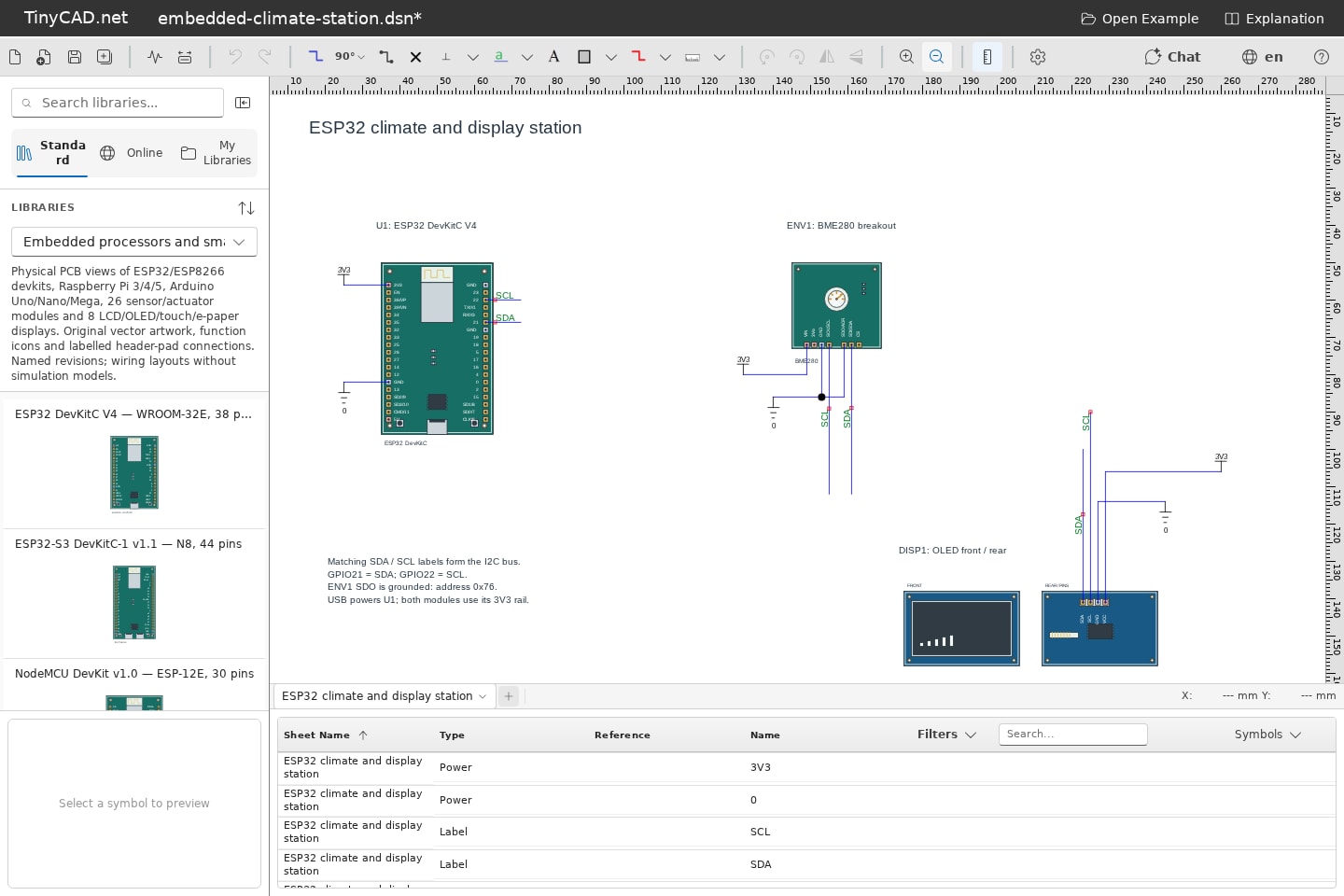
Easy to start. Room to explore.
TinyCAD is for hobbyists, students, educators and engineers who want to get an idea onto the page quickly. Draw an electronic circuit, explain a wiring connection or plan how a whole system fits together.
Find out moreSketch your next electronics project, connect a microcontroller or plan a home automation setup.
Draw clear circuit diagrams and explore what happens when you change a component value.
Document circuits and connections, from a lab bench or audio setup to a network or solar installation.
Built-in SPICE turns your circuit into waveforms and measurements. Try an idea, change a value and see the difference.
01 / Start with the parts you need
Ten bundled libraries give you useful symbols straight away. Pick a part, place it and wire it up — from resistors and logic gates to Arduino boards, audio equipment and network devices. Spend your time on your idea, with less setup and searching.
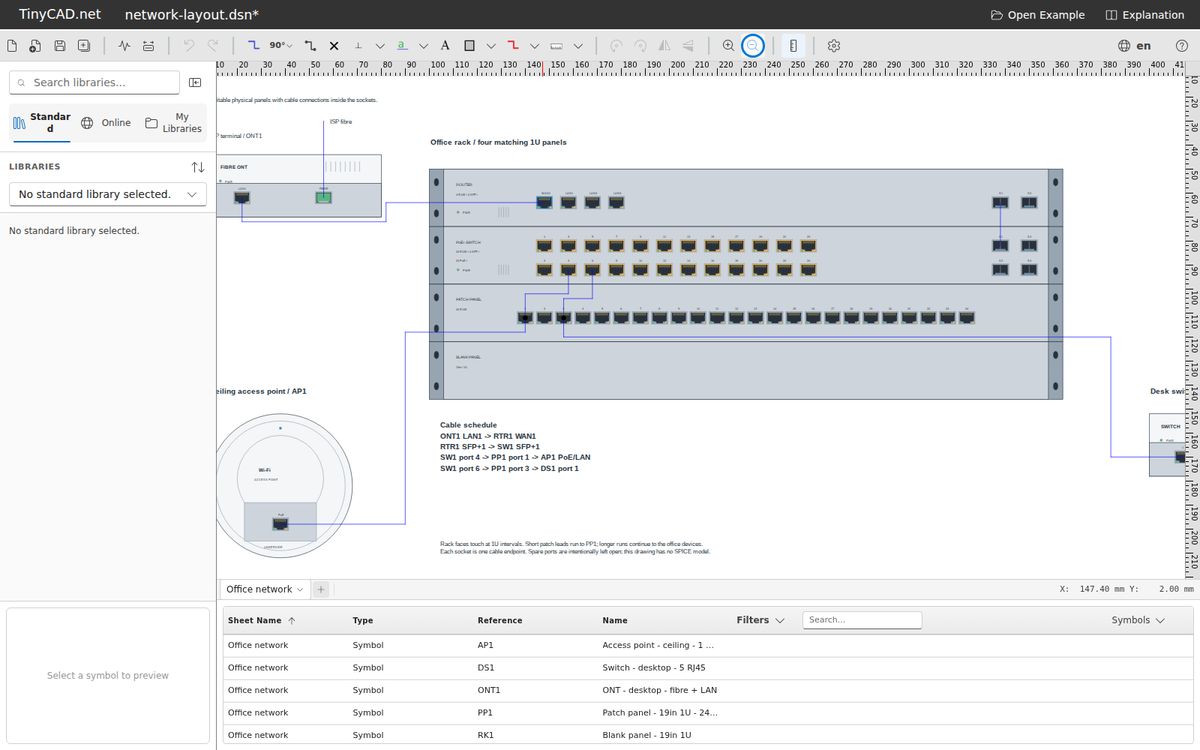
Simulation libraries include configurable models. Equipment and system libraries provide artwork and connections for planning your layouts; simulation support depends on the component.
Find out more02 / Fill the gaps with AI
Desktop app only
Need a symbol that isn’t in the library? Describe it to the desktop app’s integrated assistant, or bring a datasheet, PDF or circuit image. ChatGPT can help turn your reference into editable symbols and circuitry, so a missing part doesn’t have to stop your project.
Connect OpenAI, Anthropic, Gemini, a compatible provider or a local Ollama model.
The integrated AI assistant is only available in the desktop app. The browser editor does not include AI features. ChatGPT sign-in requires an eligible paid subscription. Provider charges and model capabilities vary.
Find out more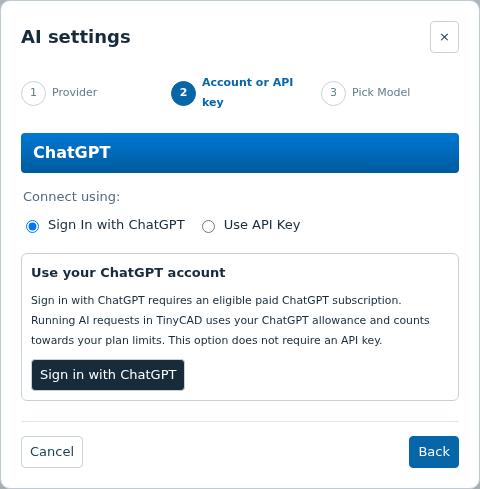
03 / New: built-in SPICE simulation
Draw it, then find out how it behaves. TinyCAD v4.1.0 adds local ngspice simulation on desktop and in the browser. Check your circuit, try different values and learn from the results before you build it.
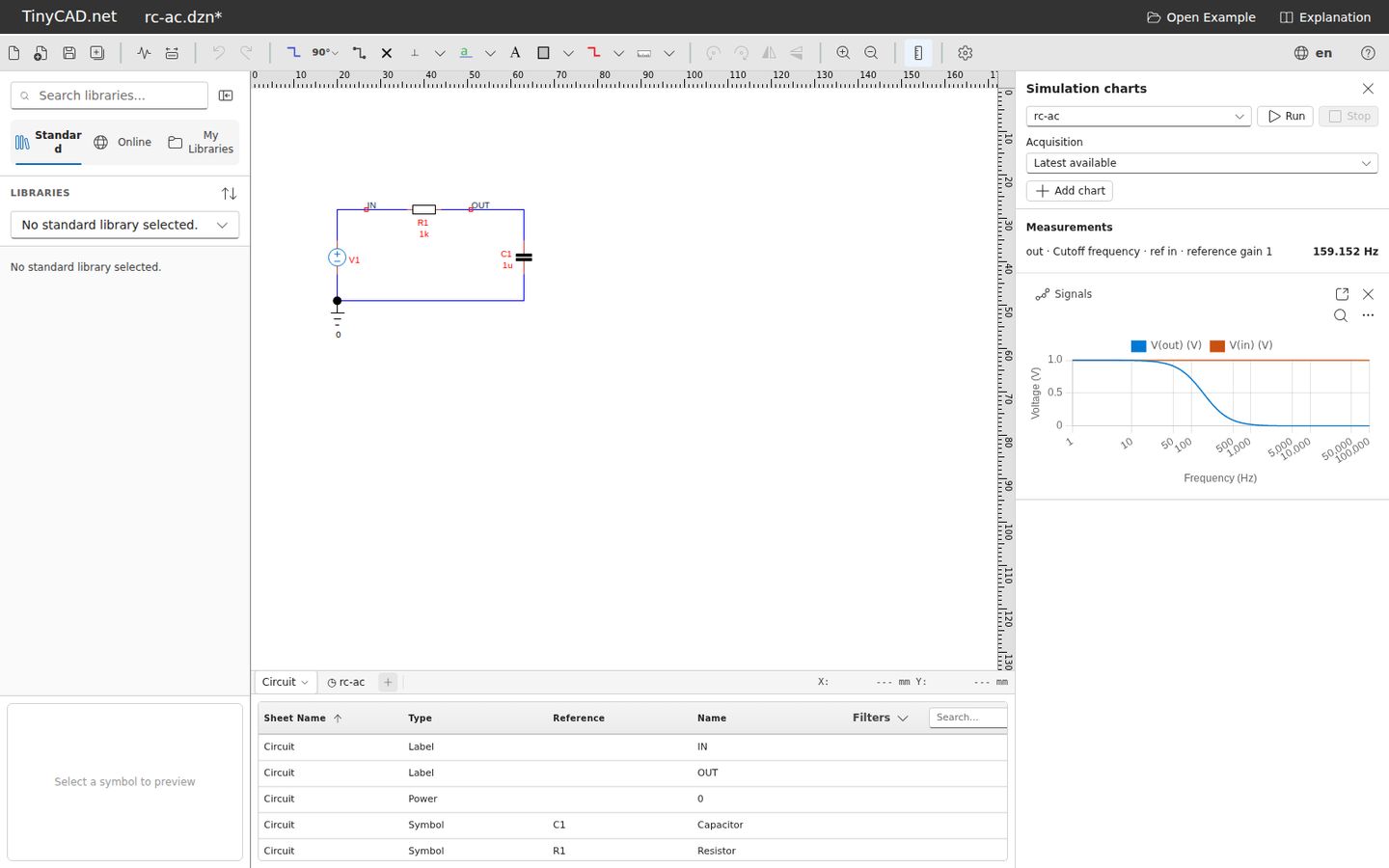
01Check bias, explore transients and plot frequency response with operating point, transient, AC and DC sweep analyses — plus noise, transfer function and pole-zero analysis.
02Probe your design with virtual oscilloscopes and multimeters. Tune values, sweep parameters and investigate tolerances in Circuit Explorer.
03Keep setups and results with your schematic in a .dzn file, compare run history and export CSV data or PNG charts.
Automatic layout and wire tidy-up help organize your schematic while preserving connections. Apply it to a selection or the whole sheet, and undo it in one step.
Find out moreExplore SPICE and desktop XSPICE with guided courses and 28 runnable tutorial drawings. Open an example, run it, change it and see what happens.
Find out moreThe compressed .dzn format brings schematics, symbols, simulation setups and model attachments together, with optional saved results.
Find out moreFree. Open source. Yours to explore.
Start drawing and simulating in your browser, or get the desktop app with its integrated AI assistant. Bundled libraries help you get going on either platform.
Our community symbol library is still here. Find a part or share one of your own.
TinyCAD v4.0.11 adds Markdown support to schematic text boxes. Use headings, bold and italic text, lists, task lists, quotations, and code blocks, with formatting preserved in SVG and PDF exports and when printing.
Touch editing, a resizable library panel, symbol sorting and editor improvements.
DownloadTinyCAD.net now supports more languages across the site. These translations are AI powered so they should help most users, but they may still contain mistakes or awkward phrasing. If you spot a problem, please let us know through the support options.
About translationsTinyCAD v4 is here after many years, with full cross-platform support for Windows, macOS, Linux, and the browser. It has also been translated into multiple languages.
DownloadWe have updated the website with a cleaner design, improved layout, and a more modern overall experience.
TinyCAD is free and open source. There are no licensed sellers of TinyCAD.